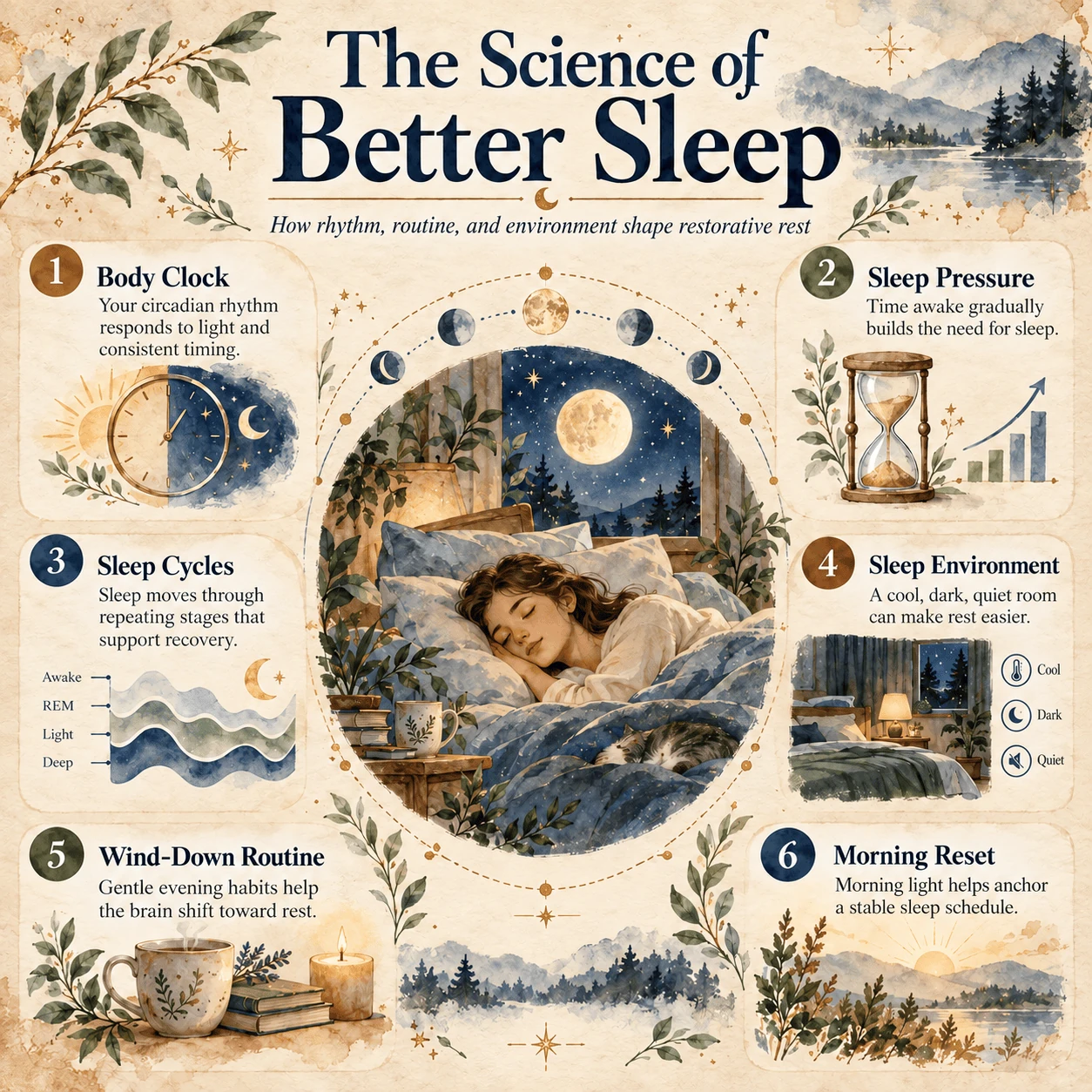
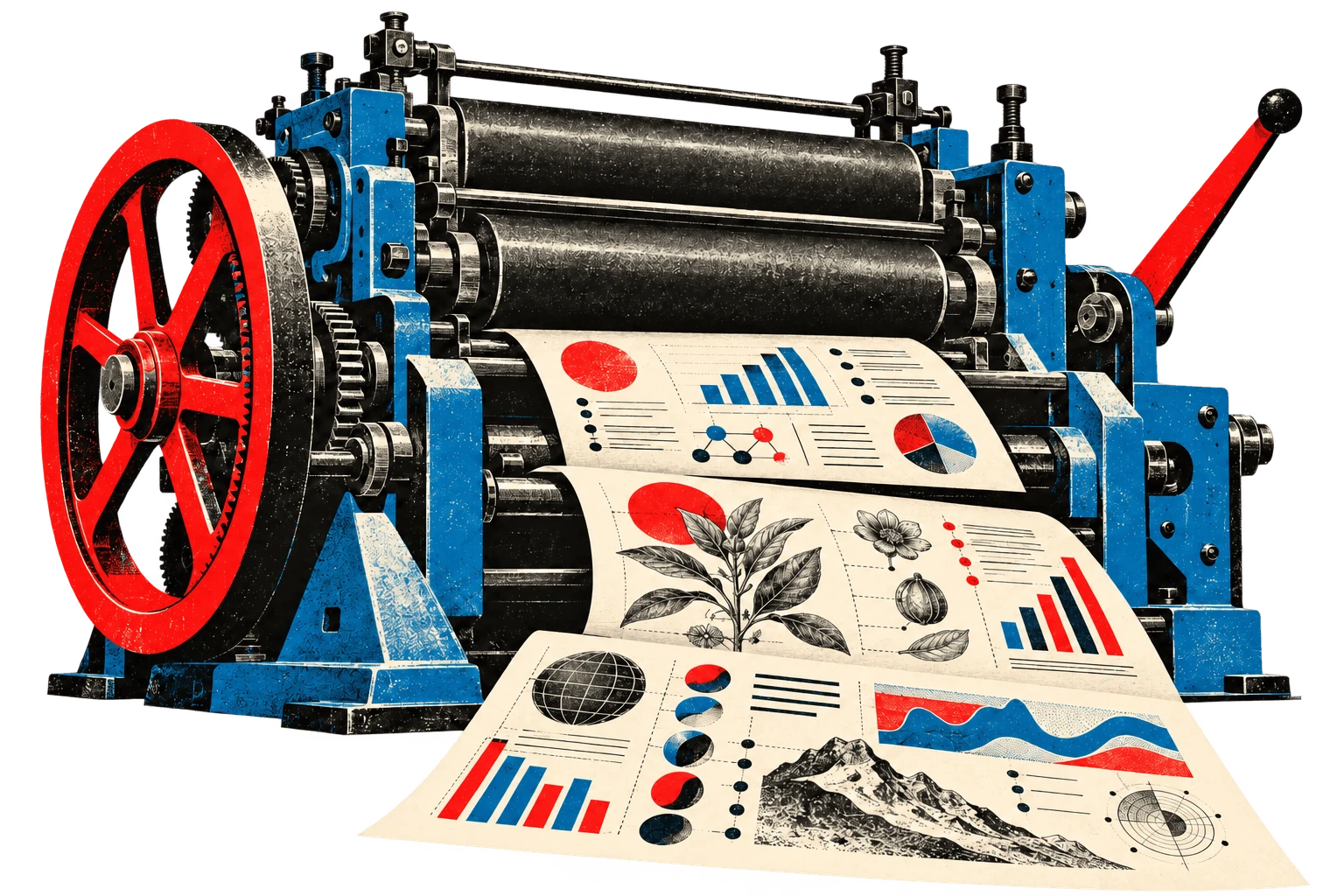
Turn your content into a clear, polished infographic.
Copy the prompt into ChatGPT and add your article or source content
at the end. You can also adjust the colors and fonts in the prompt
before generating your infographic.
Image prompt
Create a 1:1 infographic from the source content below, following these guidelines. Preserve the source’s meaning, focus on its key points, and don’t add unsupported details.

## VISUAL STYLE: Encyclopedia / Museum Guide / Knowledge Cards

### Color Palette
- Background: Warm White, Ivory, or Pale Neutral Gray
- Primary text: Deep Navy or Charcoal
- Accent colors: Scientific Red, Blue, Teal, and Amber
- Keep the palette soft, clean, harmonious, and highly readable.

### Typography
- Headings: Bold editorial Sans-serif.
- Body text: Clean, highly legible Sans-serif.
- Structure: Clear hierarchy between the title, labels, facts, and explanations.
- Numbers: Large numbered badges for steps or key sections when helpful.

### Layout Grid
- Use one strong focal visual related to the content, such as an illustration, object, or concept diagram.
- Arrange concise supporting information in rounded modular cards or other clear sections.
- Add close-up details, labels, arrows, or diagrams where they help explain the content.
- Make the hierarchy readable at a glance.
- Keep text large enough for smartphone viewing without zooming.
- Use whitespace to keep the page clear, polished, and uncluttered.

### Illustration Style
- Aim for a polished encyclopedia and museum-guide aesthetic.
- Use realistic, illustrative, or diagrammatic visuals suited to the subject.
- Use subtle shadows, rounded cards, and refined small icons where appropriate.
- Visualize only details relevant to the input content.
- Keep imagery informative and prominent without overwhelming the text.

### Tone & Voice
- Clear, trustworthy, modern, and accessible.
- Give the page a polished museum-quality feel.
- Keep decoration secondary to educational clarity.
- Make the information concise, memorable, and easy to share.

---
Please create the illustration based on the input provided.

[Paste article or other source material here]
Browse the full
infographic prompt library.
230+ customisable prompts to generate gorgeous, eye-catching
infographics with ChatGPT Images 2.5.