
01
Vintage Watercolour
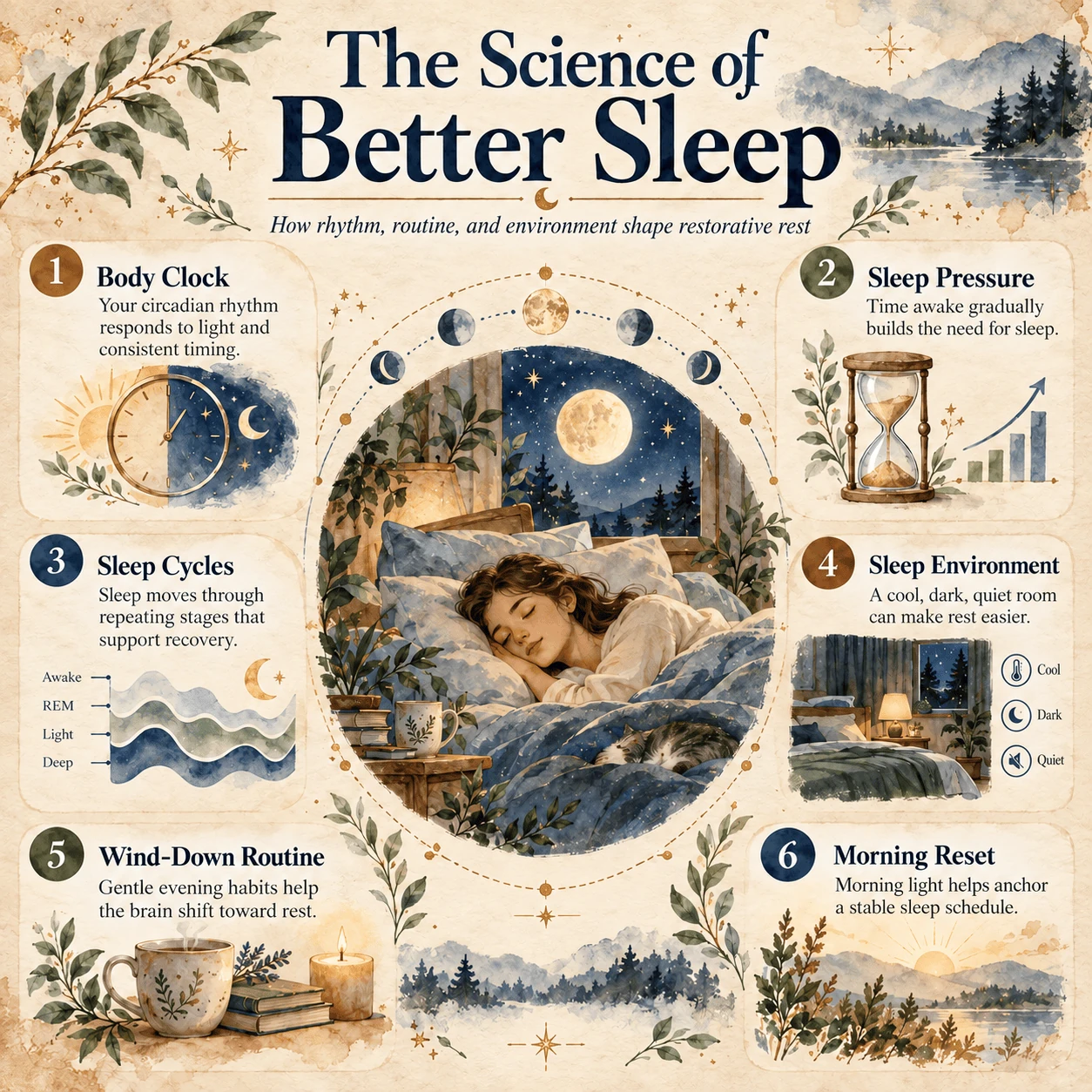
Create a 1:1 infographic based on the provided content.

## VISUAL STYLE: Watercolor Editorial on Washi Paper

### Color and Texture
- Use warm beige washi paper with subtle natural fibers.
- Choose a soft, natural palette: deep navy, forest green, warm brown, muted gold, sage, and dusty blue.
- Add gentle watercolor variation and restrained paper texture.

### Typography
- Use an elegant, readable serif for headings and clean, legible type for supporting text.
- Make the hierarchy clear: headline, section headings, and concise details.
- Use bold circular number badges for sequences or callouts when helpful.

### Layout
- Create a calm, easy-to-scan composition with ample whitespace and orderly alignment.
- Use a focal illustration or diagram, with concise information modules around or beside it.
- Adapt the modules to the content; use cards, callouts, diagrams, or visual sequences where useful.
- Allow gentle editorial asymmetry without sacrificing clarity.

### Imagery and Tone
- Use soft watercolor illustration with fine ink-like details.
- Choose imagery and decorative motifs that fit the input topic; avoid unrelated embellishments.
- Use icons, magnified callouts, or connector lines only when they help explain the content.
- Keep text concise, preserve the content’s meaning, and don’t add unsupported facts.
- Aim for a calm, polished, handcrafted editorial feel rather than a corporate dashboard or generic poster.

Create a 1:1 infographic from the source content below, following the design guidelines above.

---
Please create the illustration based on the input provided:

[Paste source material here]
View prompt